IPTV Multiple Devices Canada: Connections and Real Streams
IPTV Multiple Devices Canada explained: how simultaneous connections work, which devices are compatible, and how much bandwidth your household needs.
Buying more IPTV connections isn't the first fix for a household with buffering. For IPTV multiple devices in Canada, the useful question is whether your subscription's simultaneous-stream allowance, your devices and your home network can support the same viewing session. A plan can permit every screen you want while your Wi-Fi struggles to deliver the picture.
What Multiple-Device IPTV Means for Canadian Homes
On most IPTV plans, simultaneous connections determine how many screens can play at once, not how many devices you own. You might install a player on several devices, but installation permission and concurrent viewing permission aren't necessarily the same. Check both before subscribing.
A supported device is hardware that can run an appropriate IPTV player, such as a Smart TV, Firestick, Android TV box, phone, tablet or laptop. A simultaneous connection is an active viewing session counted against your subscription's allowance. The provider's terms determine how sessions, recordings and other player features are counted.
Device support, connections and bandwidth compared
| Concept | What it means | What limits it | What to check |
|---|---|---|---|
| Supported device | Hardware or app that can run the IPTV player | Operating system, app version and model | Confirm your TV box, phone or laptop is listed in the setup guide |
| Simultaneous connection | One live stream playing at the same time | The connection count on your plan | Count the screens that will play during the busiest hour |
| Household bandwidth | Total internet capacity shared by all traffic | Plan speed, Wi-Fi coverage and other users | Test speed during evening peak hours in each room |
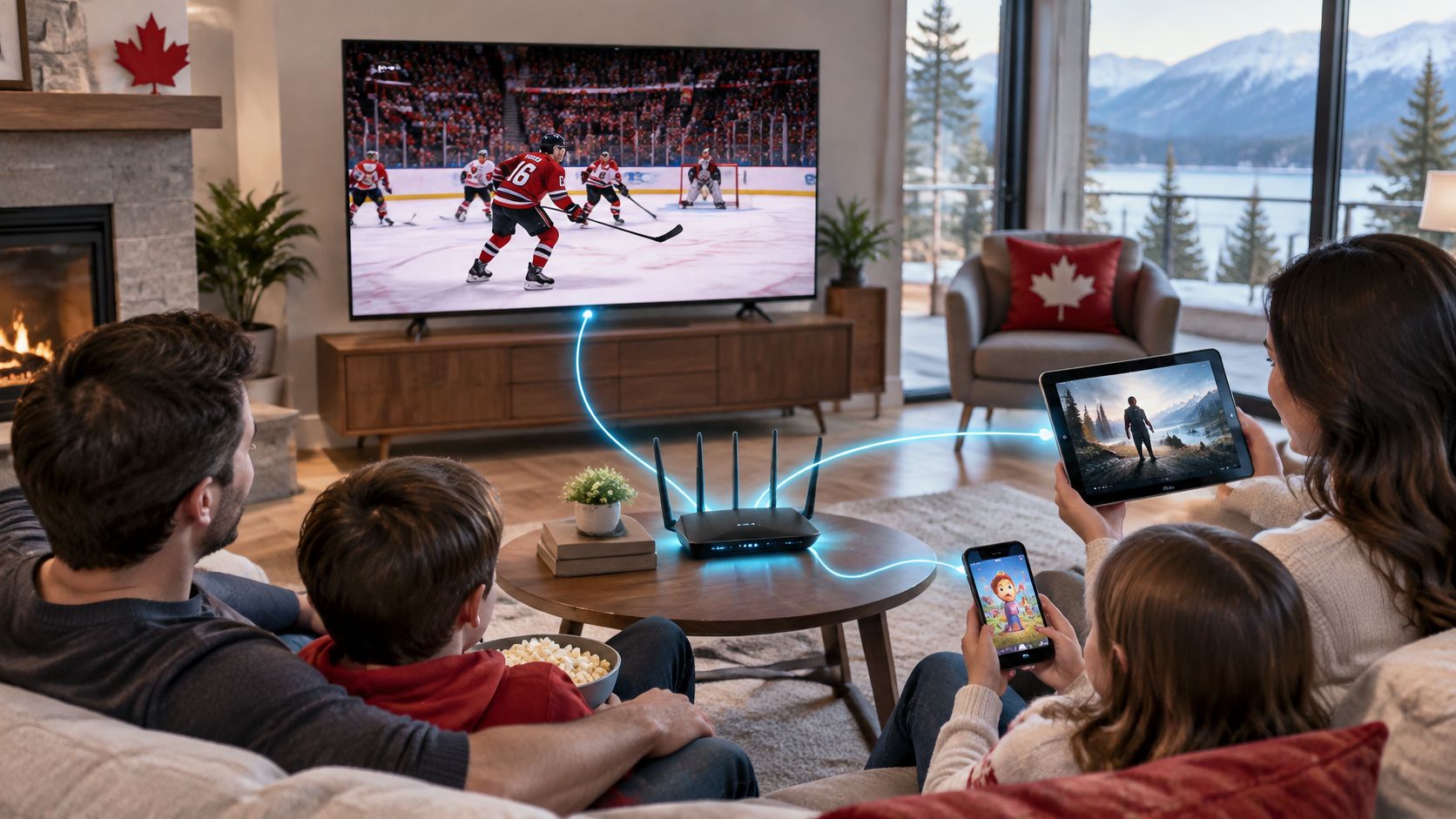
Consider a family evening: a parent watches sports on the living-room television, a teenager streams a film on a tablet and a child watches cartoons upstairs. That hypothetical household needs three concurrent streams, even if it owns six compatible devices. An unused laptop doesn't consume a viewing connection just because a player is installed.
Different screens also create different network demands. A television playing video uses internet capacity, while another person's game download or cloud backup can compete for that capacity without consuming an IPTV connection.
Separate household activities can overlap during the busiest viewing period.

What IPTV means in Canadian reporting
The term IPTV needs some care. The CRTC's broadcasting market report defines IPTV as services such as Bell Fibe and TELUS Optik TV, excluding internet-based video services such as Netflix, Crave and Club Illico; it reported IPTV penetration rising from 20% of Canadian households in 2019 to 35% in 2023. Those figures describe the CRTC's service category, not adoption of every internet-delivered subscription marketed as IPTV.
Canadian viewers also combine services. According to the CRTC's reporting using Media Technology Monitor findings, 76% of Canadians subscribed to subscription video-on-demand in 2024, while 62% subscribed to traditional television. These figures establish overlapping viewing habits, not the number of screens playing inside each home.
Practical rule: Count the screens that will actually play during your busiest hour, not every device in the house.
That count is your starting point. Device compatibility determines where you can watch; the connection allowance determines how many sessions your subscription permits.
Bandwidth Needed for Simultaneous HD and 4K Streams
Every active stream adds its own download demand. Using the planning figures associated with Canadian technical guidance, allow approximately 5 to 8 Mbps per HD or Full HD stream and about 25 Mbps per 4K UHD stream; the same Canadian reporting found that only 56% of surveyed Canadians said they could count on reliable high-speed internet where they live.
Approximate sustained download for simultaneous streams
The following totals are calculated from those per-stream estimates. They exclude gaming, video calls, Wi-Fi overhead and other household traffic, so they aren't recommended internet-plan speeds.
| Simultaneous streams | HD or Full HD (5-8 Mbps each) | 4K UHD (about 25 Mbps each) |
|---|---|---|
| 1 stream | 5-8 Mbps | About 25 Mbps |
| 2 streams | 10-16 Mbps | About 50 Mbps |
| 3 streams | 15-24 Mbps | About 75 Mbps |
| 4 streams | 20-32 Mbps | About 100 Mbps |
| 5 streams | 25-40 Mbps | About 125 Mbps |
For a worked example, three simultaneous 4K streams require roughly 75 Mbps before other traffic. A mixed session with two HD streams and one 4K stream needs approximately 35 to 41 Mbps, calculated from the same estimates.
The distinction matters because a household rarely stops using the internet when television starts. A laptop may upload work files, a console may download an update and someone may join a video call. A connection operating close to its measured download capacity has little room for those changes.
Why the advertised speed isn't your streaming budget
The CRTC's household broadband benchmark identifies 50 Mbps download, 10 Mbps upload and unlimited data in the context of households using multiple connected devices and bandwidth-intensive services. Treat that as a practical reference point, not a promise that every combination of streams will work.
Your internet plan's advertised download rate describes the access service, not guaranteed capacity at a bedroom television. Wi-Fi interference, distance from the router and competing activity can reduce what the player receives. Upload congestion can also affect the household's overall responsiveness, even though video viewing primarily uses download capacity.
Adaptive bitrate streaming, when supported, changes video quality as available throughput changes. The player may lower picture quality to keep playback moving, then increase it when conditions improve. That helps continuity, but it doesn't turn an undersized connection into a larger one.
A subscription's connection allowance is permission to stream, not a reservation of internet bandwidth.
Choose picture quality deliberately. A smaller personal screen may be perfectly usable at HD, leaving more capacity for the main television; owning a small screen doesn't automatically reduce the stream's bitrate.
Add up your intended peak-time streams, leave room for other activity and compare the result with measured evening performance. If the numbers are too close, reduce the planned load before buying additional connections.
How to Test Your Network Before Adding Screens
A fast speed-test result doesn't prove that video will remain stable throughout an evening. Consistent throughput, packet delivery and predictable latency matter more than the highest result you can capture.
The CRTC's broadband measurements found peak-hour average latency of approximately 4 ms for fibre, 12 ms for DSL and 14 ms for cable/HFC; its guidance describes roughly 35 to 42 ms or lower as generally desirable for streaming, with values above 100 ms more likely to become noticeable. These are context figures, not a pass-or-fail test for an individual IPTV service.
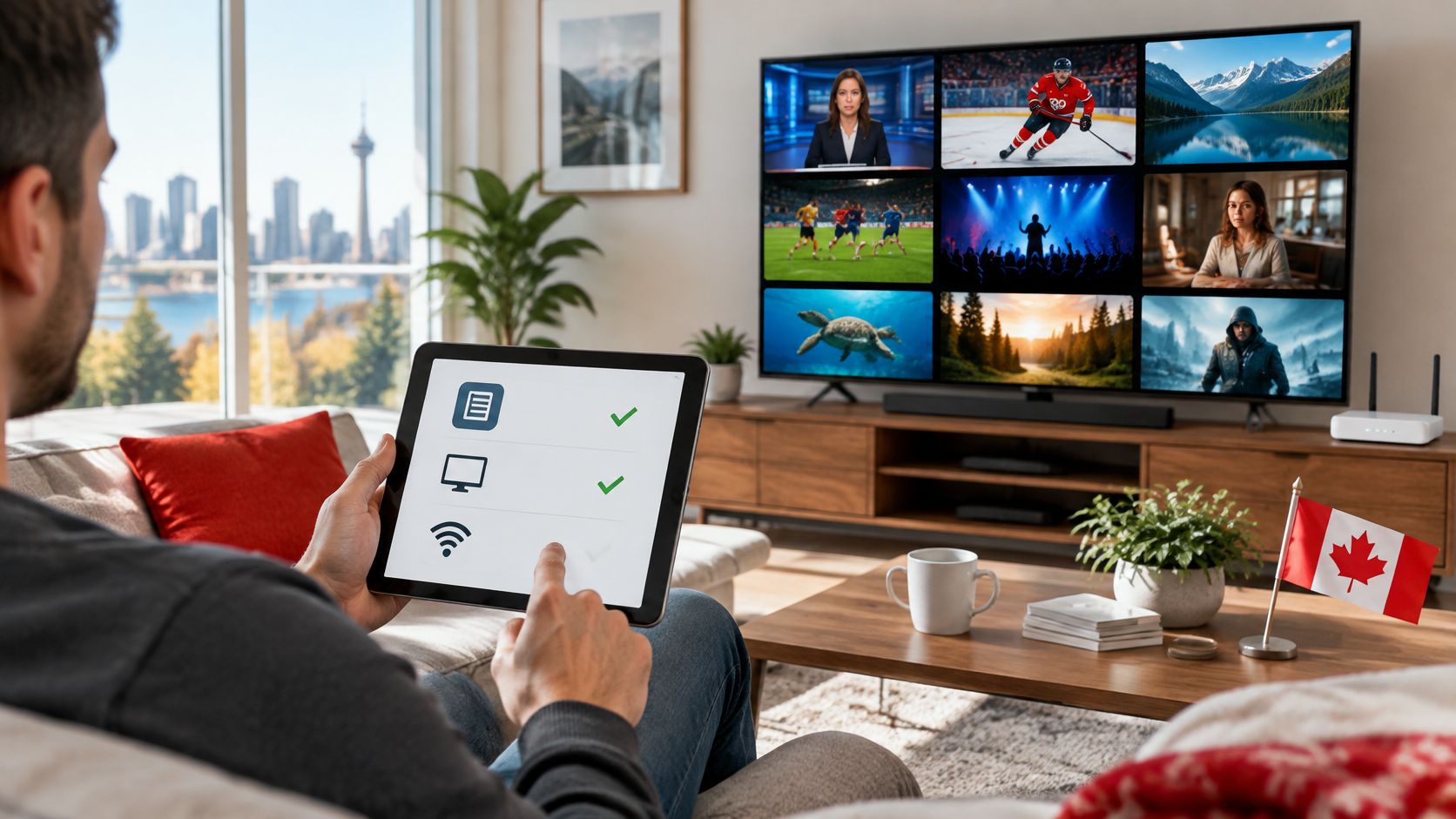
Use this checklist alongside measurements taken at the actual viewing locations.
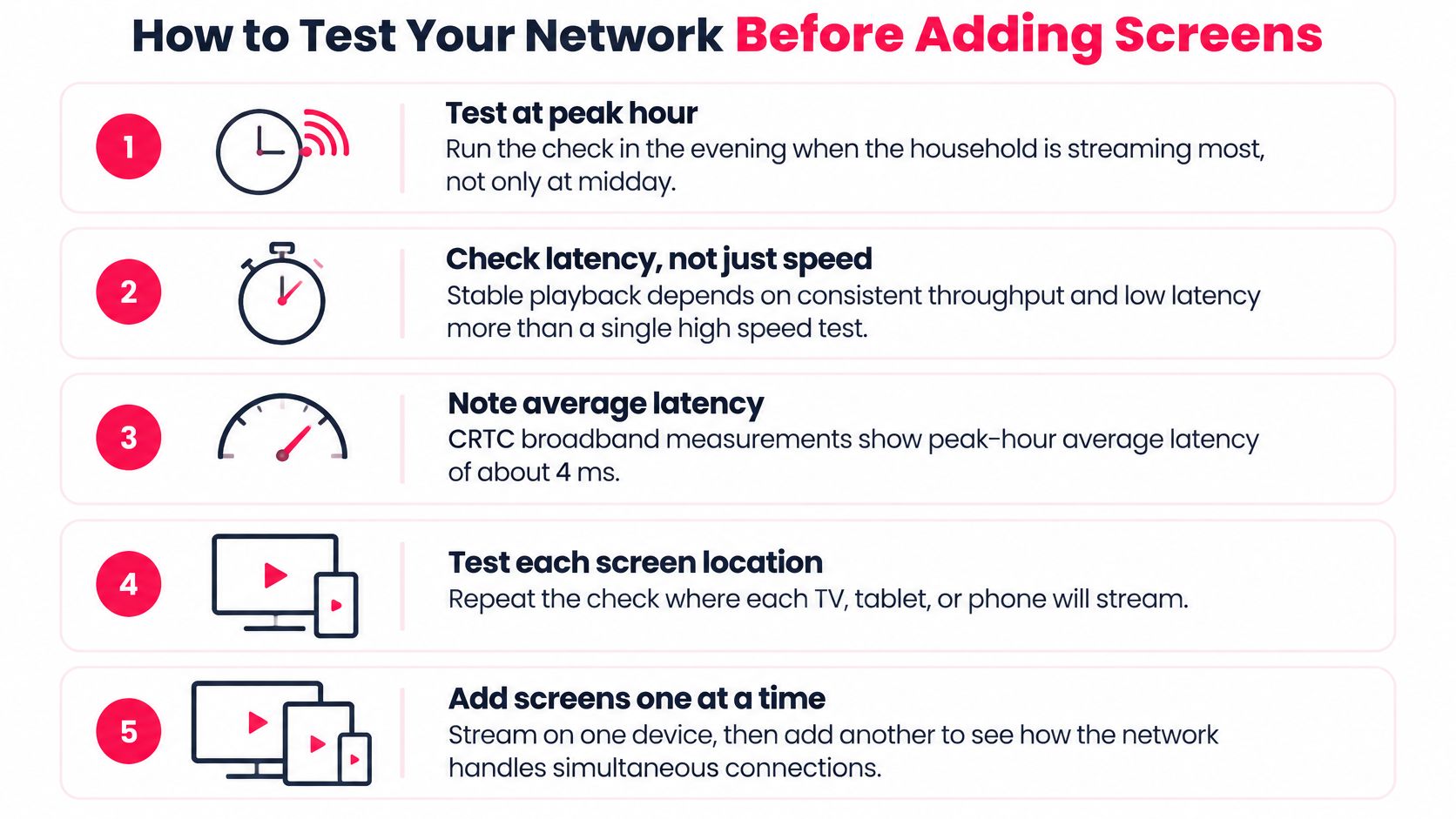
A per-room evening test routine
Test during your normal busy period. Choose a weekday evening, for example at 8 p.m., rather than testing only when everyone's out. Use a speed-test tool that displays download, upload and latency.
Repeat the test where each screen will sit. A phone beside the router can give a misleading impression of the signal reaching an upstairs television or basement office.
Compare Ethernet with Wi-Fi at the fixed television. Keep the device and location consistent where possible. If wired playback is steady but wireless playback isn't, investigate the local wireless connection before changing subscriptions.
Record several results rather than keeping only the best one. For a practical log, take three readings and note download speed, latency and any interruptions, then watch for large swings.
Wire stationary screens where practical. Put compatible phones and tablets on a suitable 5 GHz network or Wi-Fi 6 equipment, while remembering that signal strength still matters. Don't force a device onto a weak band just because its label sounds faster.
Enable router quality-of-service controls if they let you prioritise streaming sensibly. Then start playback on one screen and add the others gradually; prioritisation can manage contention, but it can't create extra internet capacity.
Interpret the failure before spending
If every screen falters together, investigate shared bottlenecks such as the internet connection, router or service delivery. If only the distant bedroom struggles, check that room's wireless path and player before blaming the household's subscription.
Use an IPTV free-trial testing checklist to organise a realistic evaluation, including the rooms and simultaneous sessions you expect to use.
For a visual companion to your checks, the following video may be useful.
On a crowded connection, lowering a demanding stream's quality can help more than increasing the subscription allowance. A healthy result is steady throughput, responsive latency and no repeated drops during actual evening playback, not an impressive screenshot.
Compatible Devices for Each Room
Use this room-by-room lookup to shortlist hardware, then confirm the exact model and player application before buying. These are device families to evaluate, not a blanket compatibility guarantee for every model sold under a brand.
Compatible device types, rooms and connection methods
| Device | Best use | Connection method | Setup note |
|---|---|---|---|
| Smart TV | Main living-room screen | Ethernet if the TV has a port, otherwise suitable 5 GHz Wi-Fi | Check the exact model's setup guide for an available IPTV app |
| Android TV box | Secondary TV or bedroom | Ethernet to the router where possible | Follow the model-specific guide to install a compatible player |
| Amazon Firestick | Bedroom or family-room TV | 5 GHz Wi-Fi with a strong signal | Confirm the app runs on your Fire TV model using its setup guide |
| MAG Box or Formuler | Dedicated set-top box for one TV | Ethernet to the router | Confirm service support and follow the device-specific setup guide |
| Phone or tablet | Personal viewing in any room | Suitable 5 GHz Wi-Fi or Wi-Fi 6 | Check the operating-system guide; lower quality saves bandwidth, not screen size alone |
| Windows laptop or Mac | Desk or office viewing | Ethernet where practical | Follow the computer-specific guide for the required IPTV player application |
Compatibility has several layers: the hardware must run the app, the app must support the service's login method and the device must decode the selected video format. A familiar brand name doesn't settle all of those questions.
Before replacing a television, check whether an external player offers a supported route. Conversely, don't assume that buying a dedicated box removes the need to confirm activation instructions, firmware requirements and the service's supported configuration.
Match the player to the person using it
The main television needs a player that's comfortable with a remote control. Personal viewing may place more emphasis on touch controls, headphones or switching between applications. Those everyday details matter as much as an app's ability to open a channel.
For Amazon hardware, consult the IPTV Firestick setup guide and match the instructions to your model. Use official installation resources and avoid entering account credentials into an unfamiliar application.
Hardware check: Confirm the device, operating system and player together before treating a screen as ready.
A phone using wireless internet still shares the home's connection with the television. Where possible, give the stationary screen a wired route and leave wireless capacity available for mobile devices.
Make a room list with the exact device model, intended player and connection method. Mark which screens will operate together, rather than assuming every installed application needs its own permanently allocated connection.
Choosing a Plan and Checking It Before You Subscribe
Start with the viewing session your household is most likely to create. Include a shared television if it will remain on while people use personal screens, and distinguish a genuine extra session from someone moving rooms.
The following are hypothetical household scenarios, not measured averages or provider promises. Their bandwidth estimates use the earlier per-stream planning figures and exclude competing internet activity.
Connections and bandwidth by household type
| Household | Typical screens at once | Connections to plan for | Approximate bandwidth to check |
|---|---|---|---|
| Couple sharing one room | 1-2 screens | 2 connections | 5-16 Mbps for HD |
| Family with children | 3-4 screens with different programmes | 3-4 connections | 15-32 Mbps for HD |
| Roommates in separate rooms | 2-3 screens in different rooms | 3 connections | 15-24 Mbps for three HD streams |
| Sports fan with 4K TV and phone | 1 4K and 2 HD streams, including another household screen | 3 connections | About 35-41 Mbps |
The sports example includes another active household screen, not just the television and phone named in the household description. This is the kind of overlooked session that can make a seemingly suitable plan too small.
An unused spare connection can be useful when visitors or changing routines create extra demand. Buy that headroom only when your network test supports the additional viewing load; otherwise, you're paying for permission your connection can't comfortably use.
Calculate the whole household cost
Affordability involves more than the IPTV fee. In Canadian consumer research published in 2025, 47% viewed television services and 46% viewed streaming-video subscriptions as less affordable over the prior year.
Write down the costs you'll keep:
- Internet service: Include any upgrade needed for the intended viewing load and check whether cancelling a bundle changes your internet bill.
- Hardware and applications: Account for streaming devices, Ethernet adapters, replacement equipment and separate player-app charges.
- Subscriptions and taxes: Include applicable charges and any existing services you'll retain for particular programming.
Compare equivalent viewing arrangements. A cheaper subscription isn't necessarily a cheaper household setup if it requires new hardware or duplicates services you won't cancel.
Check service terms and authorisation separately
IPTV describes a delivery technology, not proof of content authorisation. For any provider under consideration, examine its business identity, billing terms, refund process, privacy policy and rights or licensing information. A working trial or a helpful support response doesn't establish permission to distribute a channel.
Our setup process starts with selecting a preferred channel package, receiving login credentials, installing an IPTV player application and entering activation information. Streaming can then begin immediately, subject to the device and network being ready. Our supported device families include Smart TVs, Android TV boxes, Amazon Firestick devices, smartphones, tablets, Windows laptops and Mac computers using IPTV player applications.
ROVE Canada offers a 7-day money-back guarantee. Read the applicable conditions before payment, and confirm current trial access, connection allowances and any household-use restrictions rather than assuming they're identical across subscriptions.
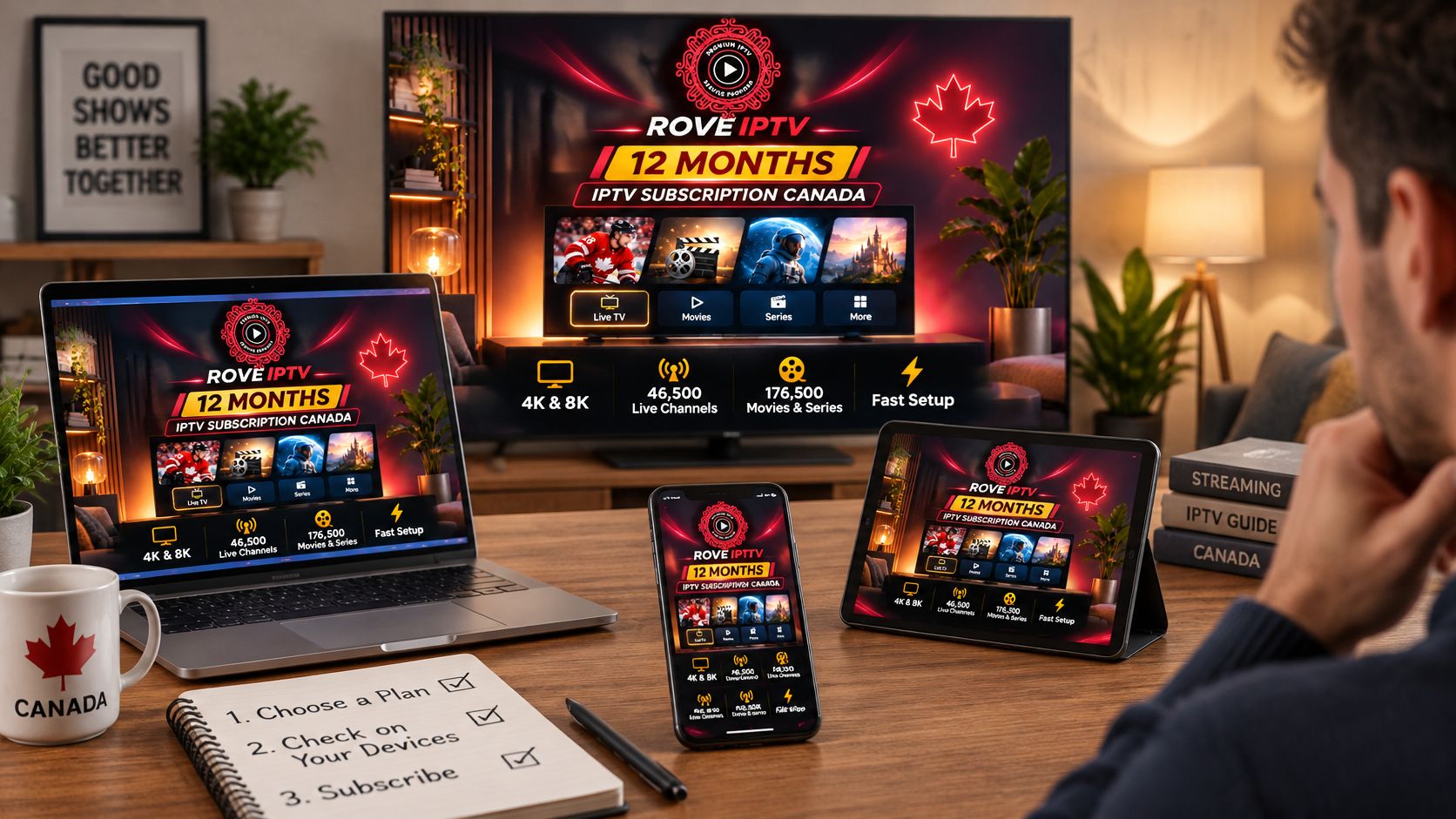
For a concrete catalogue reference, 12 Months IPTV Subscription Canada – 2 Devices identifies a year-long, two-device option. Its device count makes it unsuitable for a hypothetical household wanting four separate programmes at once, regardless of the catalogue image or advertised picture-quality labels.
Treat the following as a catalogue reference, not a performance guarantee.
Make the decision before paying
Use this final checklist once you've narrowed the hardware and viewing requirements:
- Count peak streams, including shared televisions and personal viewing.
- Match that demand to the subscription's permitted simultaneous connections.
- Test evening performance in every intended room with the expected household traffic.
- Confirm each exact model and player against the installation instructions.
- Review the complete cost, authorisation information and purchase conditions before proceeding.
The IPTV purchase checklist can help you organise the subscription questions that remain. If the connection allowance fits but measured performance falls short, improve the network or lower the planned picture quality first.
Frequently Asked Questions About Simultaneous Streams
What happens if another screen exceeds the connection limit?
The provider's session-enforcement rules determine what happens, so don't assume the new screen will be rejected or an older session will stop. Confirm the current subscription terms before relying on either behaviour, and rule out the network problems described under bandwidth and testing when diagnosing a failed start.
Can I move the same login between rooms?
Moving between rooms may be permitted when you stop playback on one device and start on another, but login rules and session-release behaviour need confirmation. Ask whether closing playback immediately frees the connection and whether there are device-registration restrictions; the compatible-device lookup helps you prepare each room without assuming concurrent-use permission.
Can I add more connections after purchasing?
Don't assume extra connections can be added mid-term or that an upgrade will preserve your remaining subscription period. Confirm the current upgrade process, billing treatment and activation conditions before buying, especially if your household's viewing needs may change.
Keep your proposed device list and evening test results available when seeking clarification. That makes it easier to describe whether you need a different subscription allowance, help setting up a player or improvements to the home network, without treating those separate issues as interchangeable.
ROVE Canada offers internet-based access to Canadian live television, sports, movies and international entertainment, with flexible subscription options for different viewing needs. Visit Rove IPTV with your peak-screen count and device list to compare suitable options and ask about current trial access before committing.