Buy IPTV Canada: How to Choose a Legitimate Service
Buy IPTV Canada with a clear checklist: confirm billing, refunds, device support, internet speed and content rights before you subscribe.
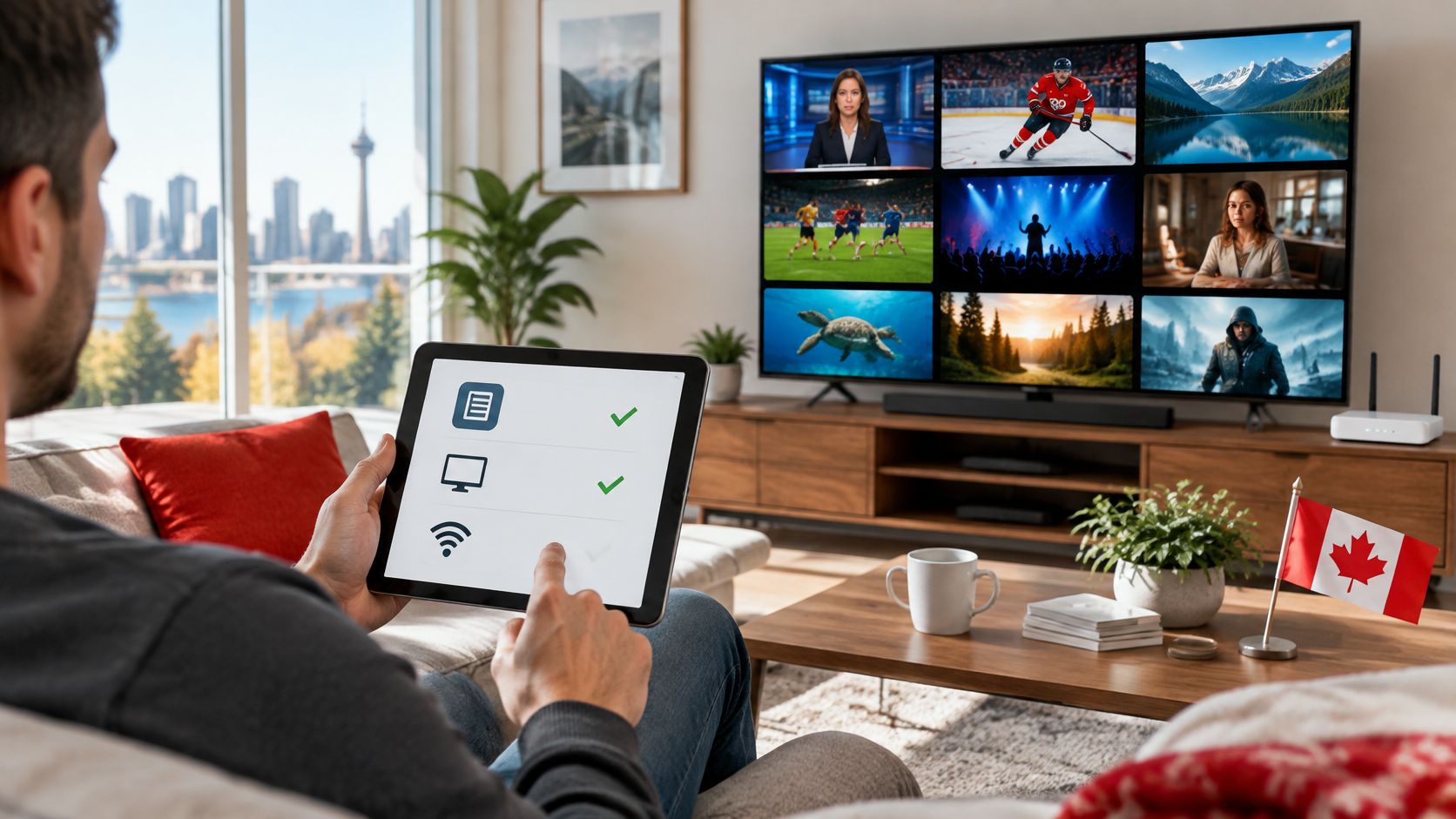
The most popular advice about buying IPTV in Canada is also the least useful: choose the biggest channel list for the lowest price. Start with content rights, written purchase terms and your household's actual connection instead. A subscription isn't good value if the channels you want aren't lawfully available, the refund conditions are unclear or playback fails when everyone gets home.
If you want to buy IPTV in Canada, choose the smallest suitable commitment after testing your own devices during an evening of normal household use. Treat channel counts and resolution labels as claims to investigate, not reasons to skip that work.
What IPTV Is and What You Are Buying
Buying IPTV means paying a provider for live television and on-demand video delivered over the internet. You then watch through a compatible smart TV, Firestick, Android box, phone, tablet or computer, usually using an IPTV player application.
The purchase has two separate parts: delivery technology and content authorization. IPTV describes how television reaches you. Content rights determine whether the provider may distribute a particular channel, film or sports broadcast to your location.
Think of IPTV as the delivery truck. The rights decide what's allowed on it.
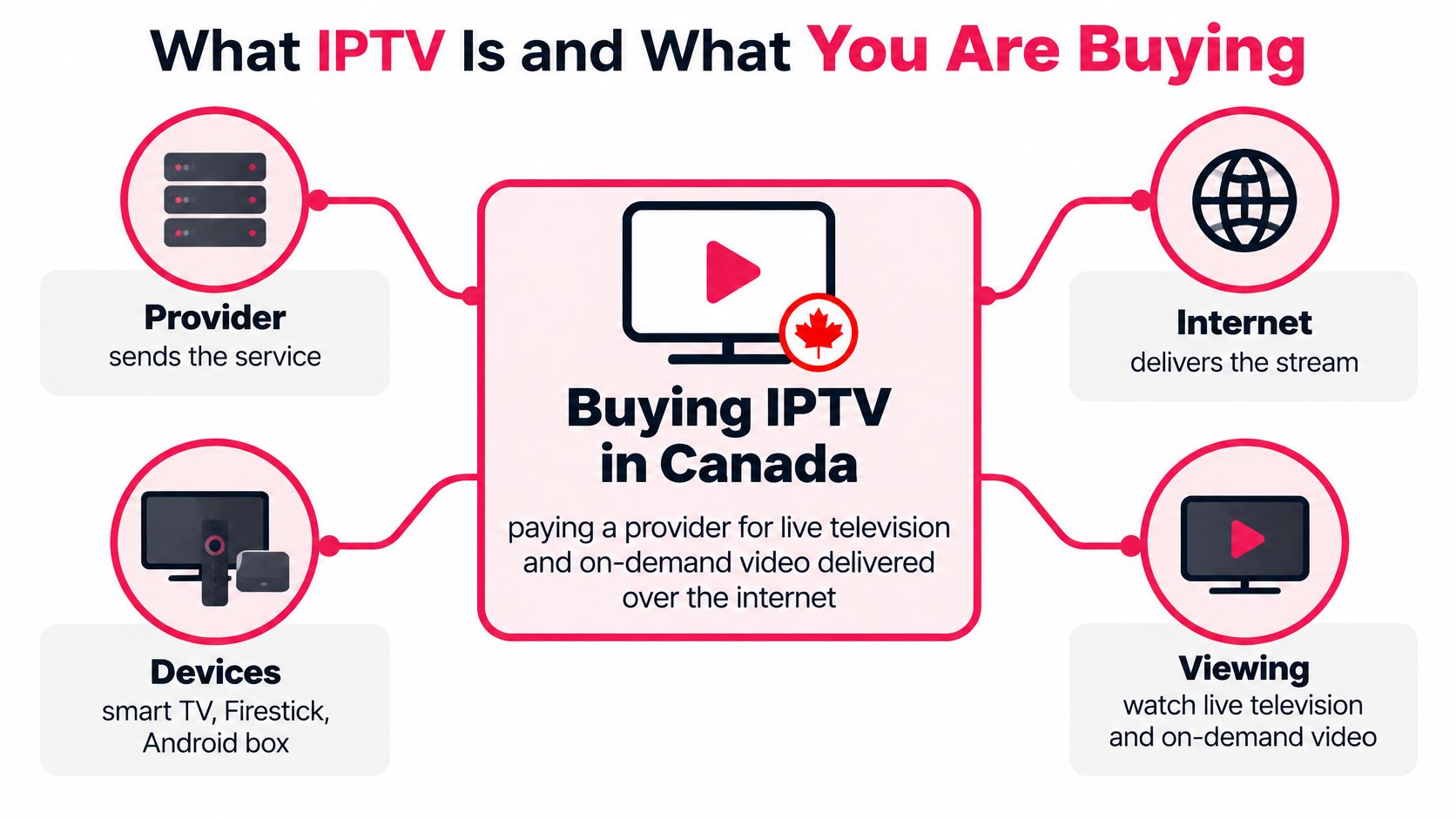
What a subscription actually includes
A typical IPTV subscription advertises Canadian and international channels, sports networks, news, family programming, lifestyle shows, movies and series. Those categories aren't enough to make a buying decision. You need the specific channels, language feeds and programmes your household will watch.
At ROVE Canada, we provide Canadian live television, sports networks, international channels and on-demand entertainment as an internet-based alternative to traditional cable. We list thousands of live channel options, but you should still test your shortlist rather than judge the service by catalogue size.
Also separate the subscription from the equipment. Buying a streaming box doesn't automatically include a television service, and installing a player doesn't establish that you're entitled to watch the content loaded into it.
Why Canadian households are comparing options
The CRTC's broadcasting report, citing Media Technology Monitor's Fall 2024 Adoption report, found that Canadian households consuming content exclusively through streaming platforms increased from 23% in 2023 to 29% in 2024. Internet delivery is a mainstream viewing choice, but popularity doesn't establish the quality or authorization of an individual provider.
Compare services around what changes your daily viewing: access to your preferred programming, navigation, compatible equipment and the ability to watch when you want.
Buying rule: A usable channel you're entitled to watch matters more than a long list you'll never open.
Before committing, resolve three things: the purchase terms, your household connection and the provider's position on rights and blackouts.
Purchase Terms to Confirm Before You Pay
| Term | What to confirm | Warning sign |
|---|---|---|
| Trial length and card requirement | Trial duration, whether a card is needed, when access starts and when it ends | Trial terms only become clear after payment |
| Currency and taxes | Final price in Canadian dollars with applicable taxes shown | Prices quoted in a foreign currency with no tax detail |
| Contract and renewal | Whether contracts or automatic payments apply, and how to cancel | Long contract needed before you can see channels |
| Refund policy | Refund window, eligibility and claim procedure in writing | Refund promised only verbally |
| Connections included | Number of simultaneous devices in the selected plan, from one up to five | Unclear whether extra screens cost more |
| Device compatibility | Your exact device model and the player app it needs | Claims to work on everything with no device list |
| Support route | Email, WhatsApp or installation guides reachable before purchase | No contact route until after payment |
Read each row as a checkout requirement, not a feature comparison. Save the answer alongside your order confirmation so you have a record of what you bought.
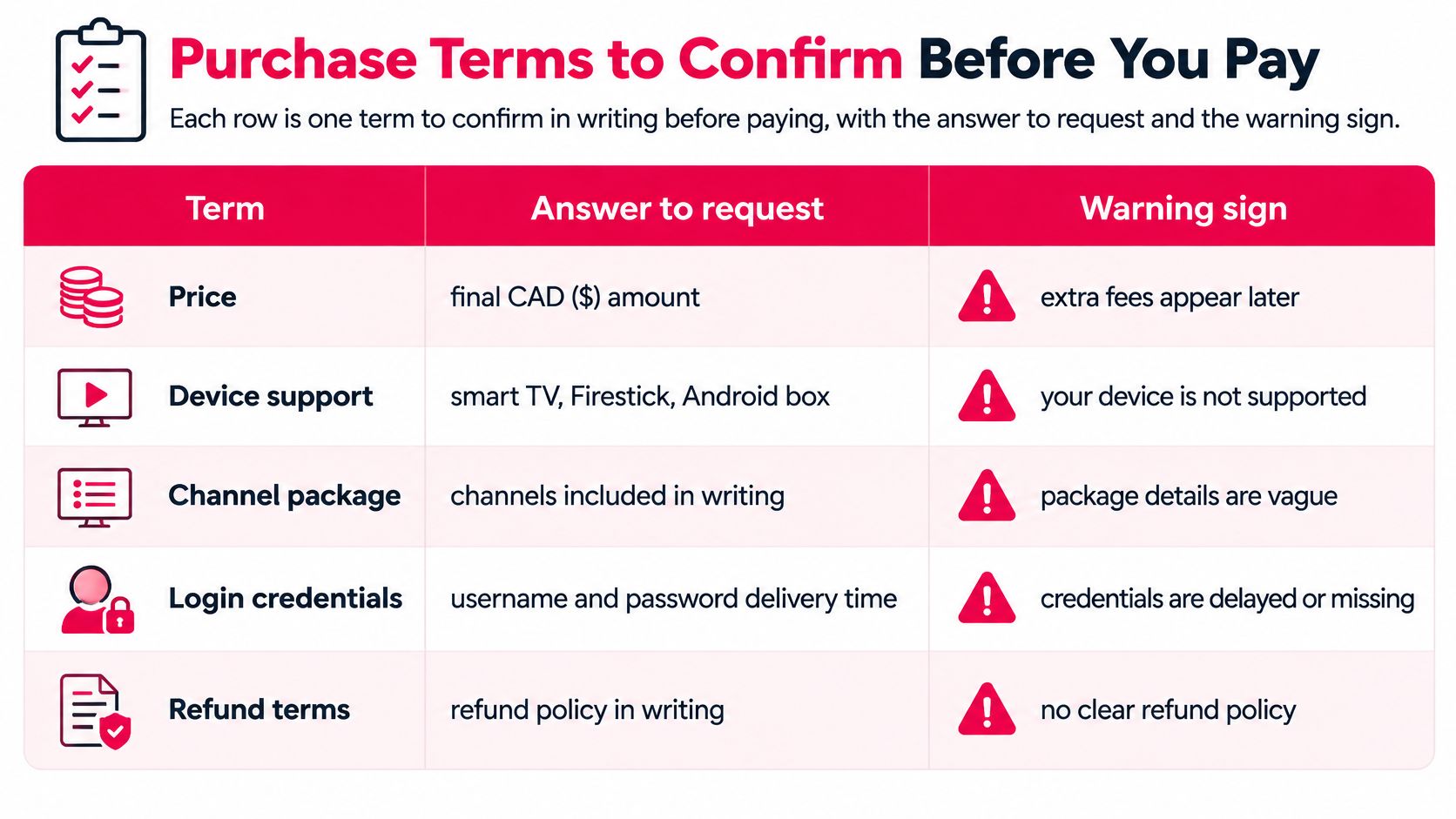
Trial, payment and refund details
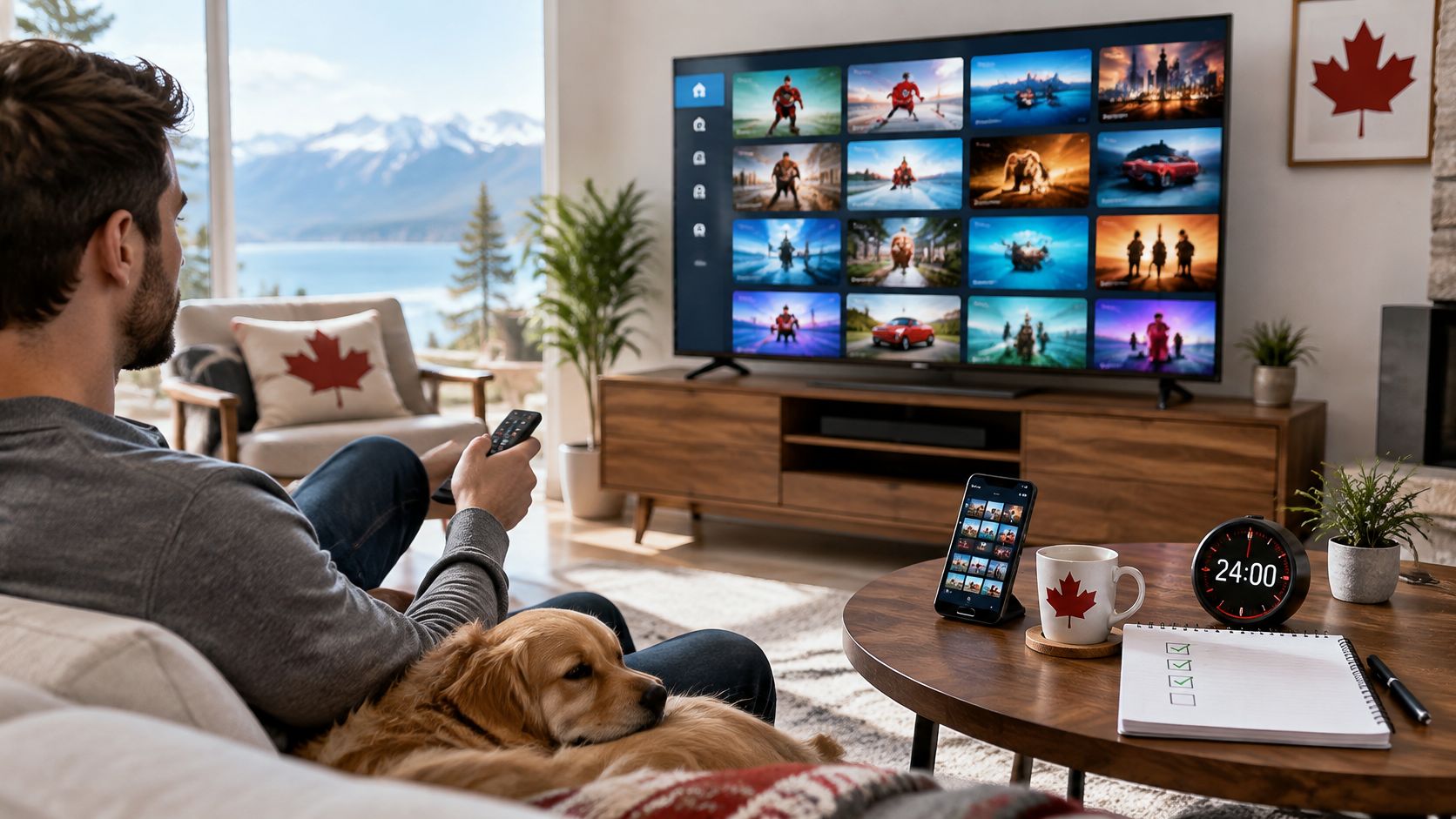
Our website describes a 24-hour trial without a credit card. Arrange activation for a time when you can use it, and confirm when the trial clock starts and whether any trial period affects a subsequent paid subscription.
Our published arrangements describe prices in Canadian dollars with applicable taxes included, without required contracts or automatic payments. Read the final payment screen before authorizing the purchase, particularly the billing period and total amount. Don't assume a saved payment method means renewal is enabled or disabled.
We offer a seven-day money-back guarantee. Get the conditions in writing before paying, including how to submit a claim, when the refund window begins and whether exclusions apply. A headline offer isn't a substitute for its operating terms.
Screens, software and assistance
Our multiple-connection options cover one to five devices, allowing household members to watch different programmes simultaneously. Count concurrent viewers, not the number of devices you own: a television, phone and tablet used at different times don't necessarily require separate simultaneous connections.
Confirm the connection allowance attached to your selected package and any additional charge before checkout. Device registration and simultaneous playback are different questions, so ask for both answers if the wording is unclear.
Use WhatsApp or the available contact resources before purchase to confirm your exact device and application. Open the installation documentation as well. Instructions that match your equipment are more useful than a broad promise of compatibility.
Don't fill gaps in the purchase terms with optimistic assumptions. An unanswered row is a reason to pause.
Published offers can change. Use the written checkout and support response as your final purchasing record rather than relying on an older promotional image.
Canadian Rights, Blackouts and Blocking Risks
A service can lose access to programming after you've paid. Unauthorized services can face blocking measures, and even legitimate broadcasters must restrict sports coverage where they lack territorial rights, a constraint the CRTC's guidance on sports blackouts addresses.
A promise of every game everywhere is a warning sign, not better coverage. A viewer in Toronto and a viewer in Vancouver may need different answers about the same team.
Two services can run on identical IPTV technology while holding very different distribution permissions. Playback that works today tells you nothing about authorization. A payment receipt proves you paid. It proves nothing about broadcasting rights.
Questions worth answering before purchase
- Which Canadian channels does the package carry, and who distributes them? Ask the seller to explain, in writing, its authority to supply those channels.
- Which teams and leagues are available in your province? Regional coverage and international feeds answer this differently, so name your location when you ask.
- Which contact route handles rights questions? A written reply through an identifiable channel carries more weight than a verbal reassurance.
- What records will you keep? Hold on to your billing confirmation, package description and written refund terms; they are your evidence if a dispute follows.
Our guide to IPTV legality in Canada explains how Canadian law treats services that can't produce clear answers to those questions.
The CRTC's regulatory overview explains that the Online Streaming Act expanded oversight of online streaming services, with contribution obligations applying to qualifying services. Regulatory obligations and channel rights are separate questions. A provider can owe one and lack the other.
Choose the narrower service with transparent rights over the cheap package with thousands of channels and vague answers. This is general information, not legal advice.
Internet Speed Needed for Each Stream Quality
Buy for your busiest evening, not for the speed printed on the plan. A household watching two simultaneous 4K streams should allow about 30 Mbps of sustained payload capacity before overhead, other devices and Wi-Fi contention, using the UHD measurements discussed in the CRTC's communications monitoring report. Treat that as stream-delivery math, not a recommendation to buy an internet package advertised at exactly that speed.
Your package's headline speed and the throughput reaching your television are different things. A fast connection at the router can still produce uneven playback through a weak wireless link.
Stream quality, data use and sustained speed
The approximate values below use the Canadian measurement set in that CRTC report. The network rates are conversions from the listed hourly data consumption, not independently measured requirements for our service.
| Stream quality | Data per hour | Sustained network rate |
|---|---|---|
| Low or medium quality | About 0.6 GB per hour | About 1.3 Mbps |
| HD | 1.3–1.8 GB per hour | 2.9–4.0 Mbps |
| Very-high-bitrate HD | About 3.0 GB per hour | About 6.7 Mbps |
| UHD (4K) | About 6.7 GB per hour | About 14.9 Mbps |
| High-frame-rate UHD | About 12.4 GB per hour | About 27.6 Mbps |
Treat the figures as approximate profiles: compression, frame rate and the source feed move real consumption. The CRTC's general streaming guidance gives consumption up to 5 GB per hour for 4K, lower than the earlier measurement set's UHD profile in the table. Using that general figure, a hypothetical household watching for 30 hours would consume about 150 GB; using the table's UHD profile, the same viewing would consume about 200 GB.
Budget for the whole household
A live sports stream, a film on another screen and a laptop uploading files are one workload. Your connection has to carry that combined load through the same evening, in the same rooms, over the same Wi-Fi.
Check these practical constraints:
- Throughput at the television: Run the test on the playback device where possible, rather than beside the router on your phone.
- Monthly allowance: Review your internet plan's data cap and what happens when you reach it.
- Wireless conditions: Compare Ethernet with Wi-Fi on the TV itself. A clean wired result beside poor wireless playback points to the home network before the subscription.
- Concurrent use: Include gaming downloads, video calls and cloud backups in your household test.
Our IPTV internet speed requirements guide can help you assess your connection and viewing setup.
Leave capacity above the combined needs of your streams. Do not design your household setup to operate at its limit.
Adaptive bitrate can lower picture quality when throughput falls. It cannot repair persistent congestion, strengthen a weak wireless signal or remove a restrictive data cap.
How to Test Quality During a Free Trial
Buffering concerns when video data arrives, not just how quickly a speed test downloads a file. Latency is the delay along a connection; packet loss means some transmitted data doesn't reach its destination.
The CRTC's fixed-broadband performance report identifies latency around 35–42 ms or lower as generally desirable for video streaming, with problems becoming more noticeable above 100 ms. Those are diagnostic reference points, not a promise that a stream will work whenever your connection falls below them.
Run a repeatable playback test
Use the IPTV free trial to evaluate your actual viewing routine. Keep a simple log in a spreadsheet or notes app, with entries for the device, connection type, programme, start time and symptoms.
- Establish a clean connection. Use wired Ethernet where possible, or a strong 5 GHz or 6 GHz Wi-Fi link. Record which connection you used so later comparisons mean something.
- Choose repeatable content. Select a live news channel, a sports channel and an on-demand title. Return to the same selections rather than browsing randomly.
- Record playback behaviour. Note startup time, channel-change delay, buffering frequency and sustained bitrate if the player exposes it. Mark whether picture quality changes during playback.
- Repeat during realistic hours. Compare daytime results with a session between 7 and 10 p.m. local time. Keep normal household activity running rather than artificially clearing the network.
- Check another device. Repeat the test on a second supported screen, including simultaneous playback if your intended plan permits it.
Use the symptoms to narrow the cause
Normal download speed alongside high latency or packet loss suggests a connection-path or Wi-Fi problem. Compare wired playback, stop background transfers temporarily and retest before changing multiple settings.
Stalls across several devices while local measurements remain stable can point towards server capacity, peering or session-management issues. That pattern isn't definitive proof, but it gives support a much better starting point than “the picture freezes.”
We describe our infrastructure as our own locally hosted servers connected through high-speed fibre internet. That's a provider statement, not an independent performance measurement, and it shouldn't replace your trial results.
Send support the affected channel, approximate time, device model and connection type. Don't share your password in a public troubleshooting post.
Commit to a multi-connection plan only after an evening of acceptable results on the screens you'll use. Judge success by your viewing tolerance, not by whether a speed-test result looks impressive.
How to Set Up IPTV on Your Device
Our setup is designed for beginners without technical experience. The important preparation is matching the player application to your device and keeping your activation details accurate.
Don't buy a new streaming box just because setup instructions mention one. Start by checking whether your existing equipment supports the required application.
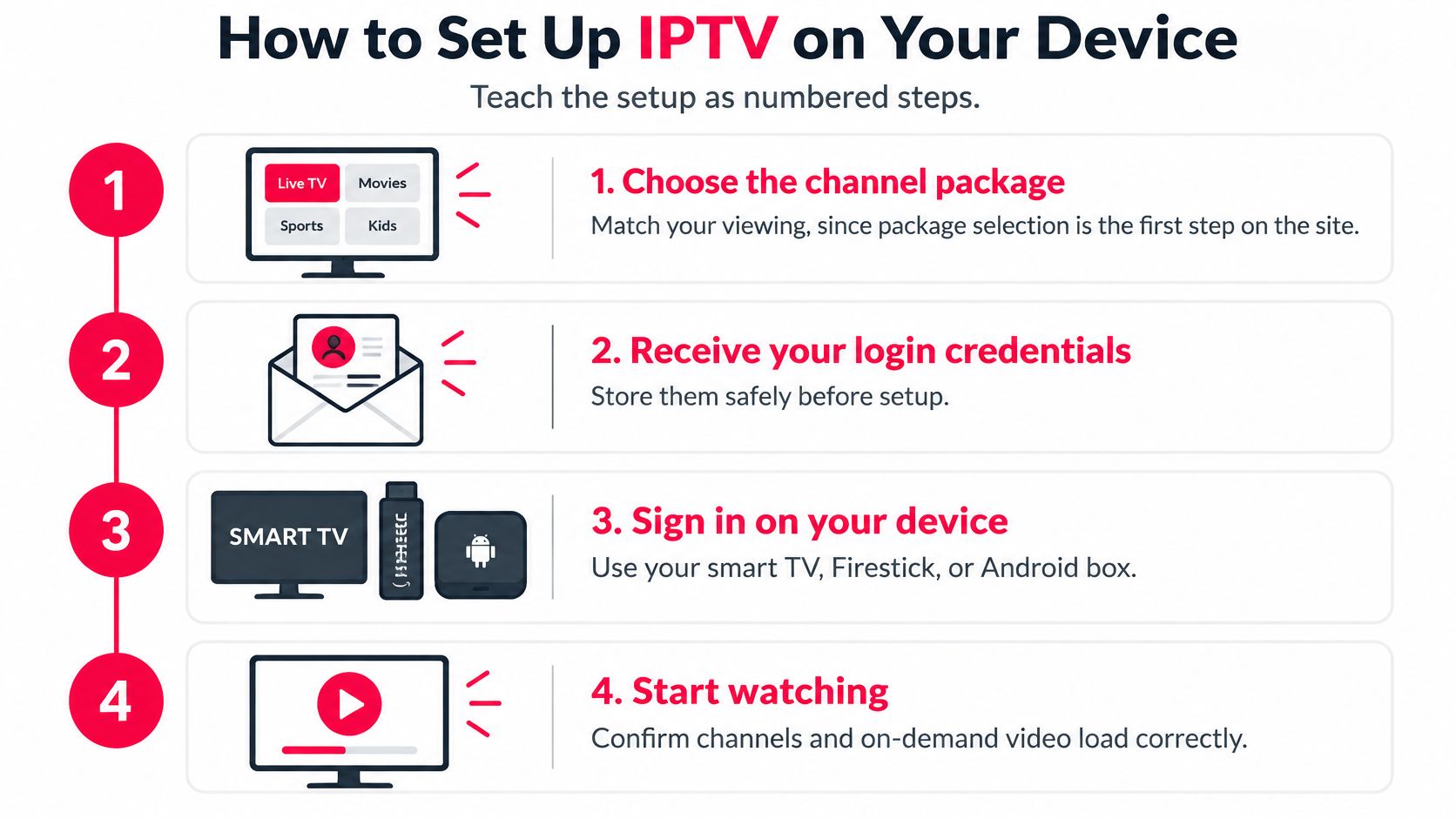
Activate in the right order
Choose your preferred channel package. Package selection is the first step in our setup process. Match it to your household's actual viewing rather than choosing on catalogue size alone.
Receive and safely store your login credentials. Keep the activation message somewhere accessible while you configure the television. Don't confuse your payment confirmation with the separate information needed to sign into the player.
Install the appropriate IPTV player application. Use the device's app store or our installation guidance and downloads. Check the app's exact name and developer rather than installing a similarly named result.
Enter the activation information exactly as supplied. Check capital letters, numbers, punctuation and accidental spaces introduced by copying and pasting. Mistyped credentials are an avoidable cause of activation failure.
Start playback and check the package. Open a live channel, a sports channel and an on-demand title. Successful sign-in alone doesn't establish that navigation, audio and video all work properly.
Match the instructions to your hardware
We support Smart TVs, Android TV boxes, Amazon Firestick devices, smartphones, tablets, Windows laptops and Mac computers with compatible IPTV player applications. Our broader device information also lists Chromecast, Apple TV and Roku, but you should confirm the exact model and playback method before starting.
A product family name isn't enough. Different operating systems and app-store restrictions can mean that instructions for one television don't apply to another television from the same manufacturer.
Use the installation guide that matches your device. If the guide calls for an application you can't find, contact support instead of downloading an unfamiliar installer from a search result.
Fix activation before changing the network
If activation fails, compare the credentials character by character and restart the player. Confirm that you entered each value in the correct field, especially where a player requests a server address separately from the username and password.
If one channel stalls while others play, note the channel and time, then compare wired Ethernet playback before contacting support. Avoid repeatedly reinstalling the app when the problem is limited to a particular feed.
Successful setup means the interface is usable, the expected content opens and playback remains acceptable during normal evening use. If you purchased simultaneous connections, confirm that starting another screen doesn't terminate the first session.
Choose Your Plan and Start Your Free Trial
Choose a plan according to simultaneous viewing, not household size. Two people sharing the living-room television have different requirements from roommates watching separate programmes.
Use these decision branches:
- One active screen: If you watch alone or share the same television, a single-connection option is the lower-risk starting point. Don't pay for unused concurrent access.
- Several active screens: Compare the multi-connection option and test separate programmes playing together. Include the device furthest from the router.
- Sports-first viewing: Confirm the teams, leagues and regional availability that matter to you before choosing a longer commitment.
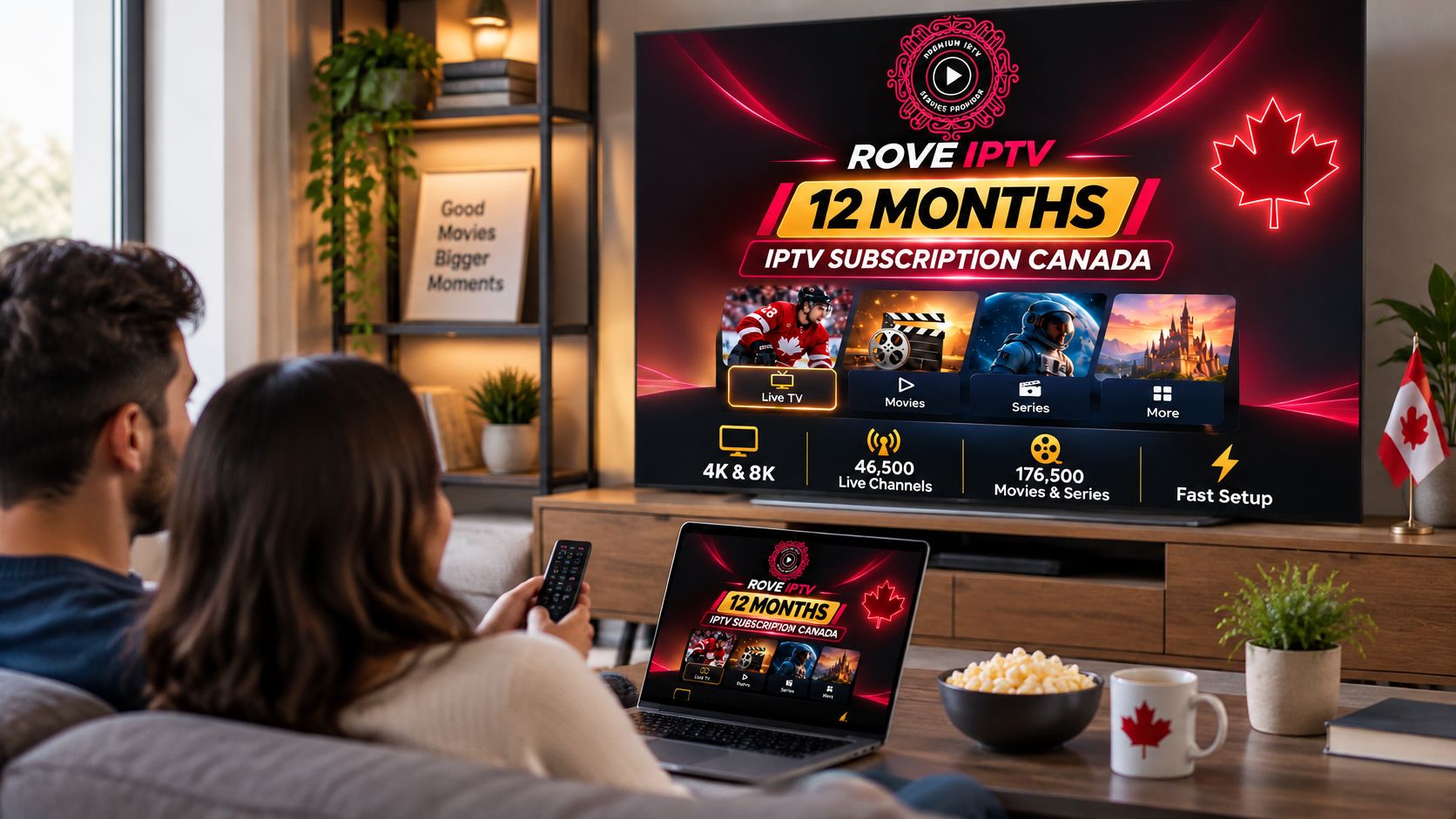
Compare the commitment, not just the headline
We offer flexible subscription options. The 12 Months IPTV Subscription Canada page and its two-device subscription option provide plan details to compare; confirm the current checkout amount and connection allowance before paying.
A longer subscription deserves a stronger evidence threshold than a trial. Don't use an annual purchase to discover whether your equipment or preferred programming works.
For broader comparison criteria, consult our Canadian television provider guide. For device-focused considerations, use our Smart IPTV Canada guide.
Compare available IPTV plans, check supported streaming devices and request a free trial before choosing your commitment. Make the paid decision once the service fits your viewing habits, equipment and written purchase expectations.
Frequently Asked Questions
Is IPTV legal in Canada?
IPTV is a delivery method, and legality depends on whether the provider holds distribution rights for the channels, films and sports it carries. The rights section above covers what to request in writing and which answers should end the conversation.
Does a cheaper plan mean lower quality?
Price reveals nothing about sustained bitrate, server capacity, application usability or rights coverage.
Compare what you can verify: playback on your equipment, the included package, simultaneous connections and written billing conditions. A narrower package may cover everything you watch without charging for content you will never open, while a more expensive subscription can still be unsuitable.
What if a channel or game disappears mid-subscription?
Record the channel, event, location and error message, then contact support through WhatsApp or email. Some removals reflect lineup changes. Others reflect territorial restrictions that switching applications will not fix. If the missing content was your reason for buying and the explanation is vague, use the refund terms you collected before paying.
How do I claim the money-back guarantee?
Rove IPTV Canada offers a 7-day money-back guarantee, so act inside that window. Contact support through WhatsApp or email with your account details and reason for the request, and ask for written confirmation. Keep your receipt and all replies until the refund arrives.
Will IPTV work on my device?
Confirm compatibility before paying. Supported options include Smart TVs, Android TV boxes, Amazon Firestick devices, smartphones and tablets, Windows laptops and Mac computers, and IPTV player applications. If your device falls outside that list, ask support first. The 24-hour trial requires no credit card, so you can verify playback on your actual equipment before committing.
Should I upgrade my internet plan before trying IPTV?
Only after a test identifies a capacity or allowance problem a new plan would solve. The speed section above gives the figures, and a faster advertised download will not repair device incompatibility or a weak service feed.
ROVE Canada offers live Canadian and international television, sports networks and on-demand entertainment with flexible subscription options. Visit Rove IPTV to compare plans and request a free trial, then use your own devices and written purchase terms to decide whether the service fits your household.